Projects and Photos
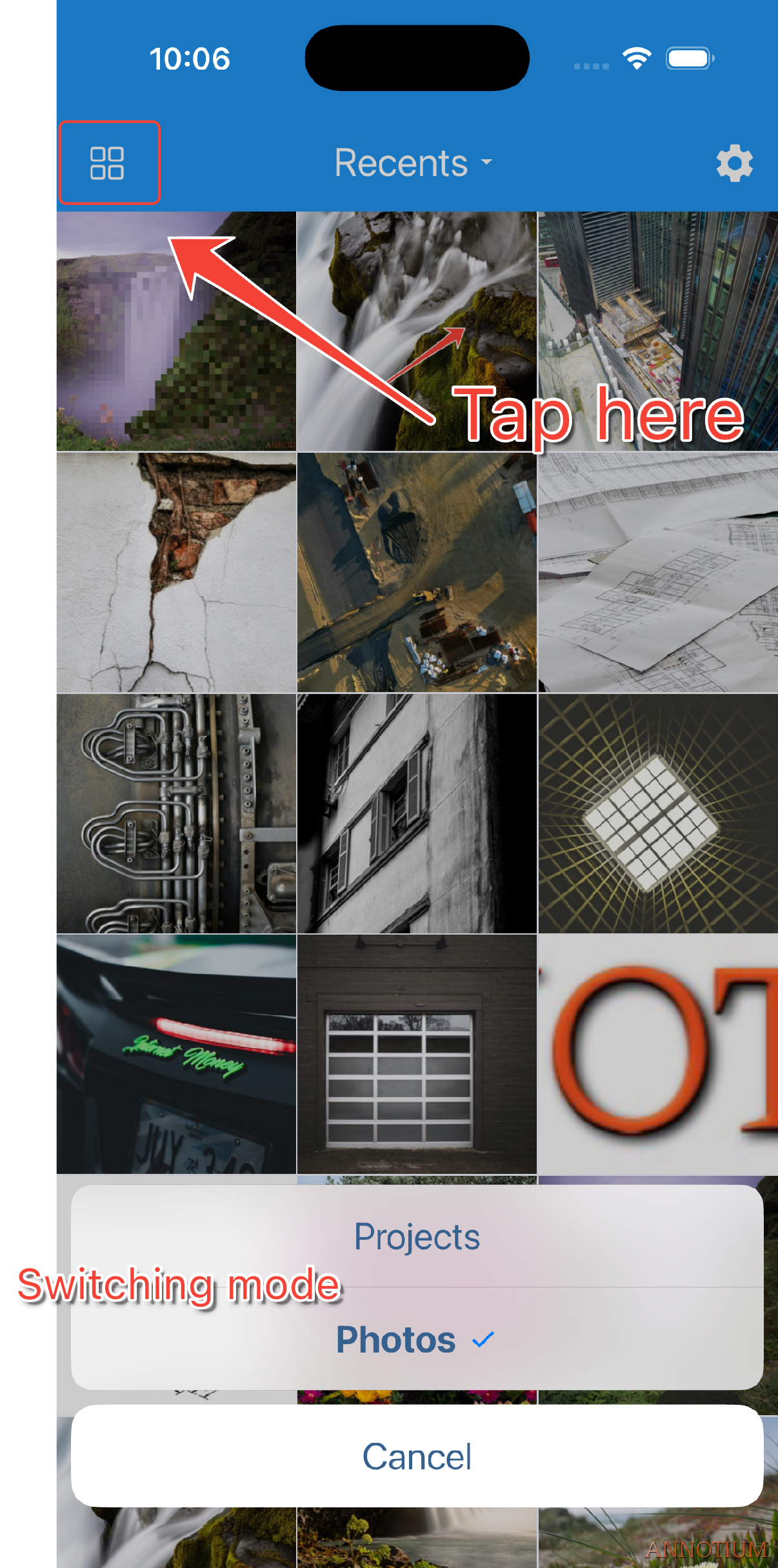
Annotium has two home workspaces. Use the grid button in the home app bar to switch between them.
Projects
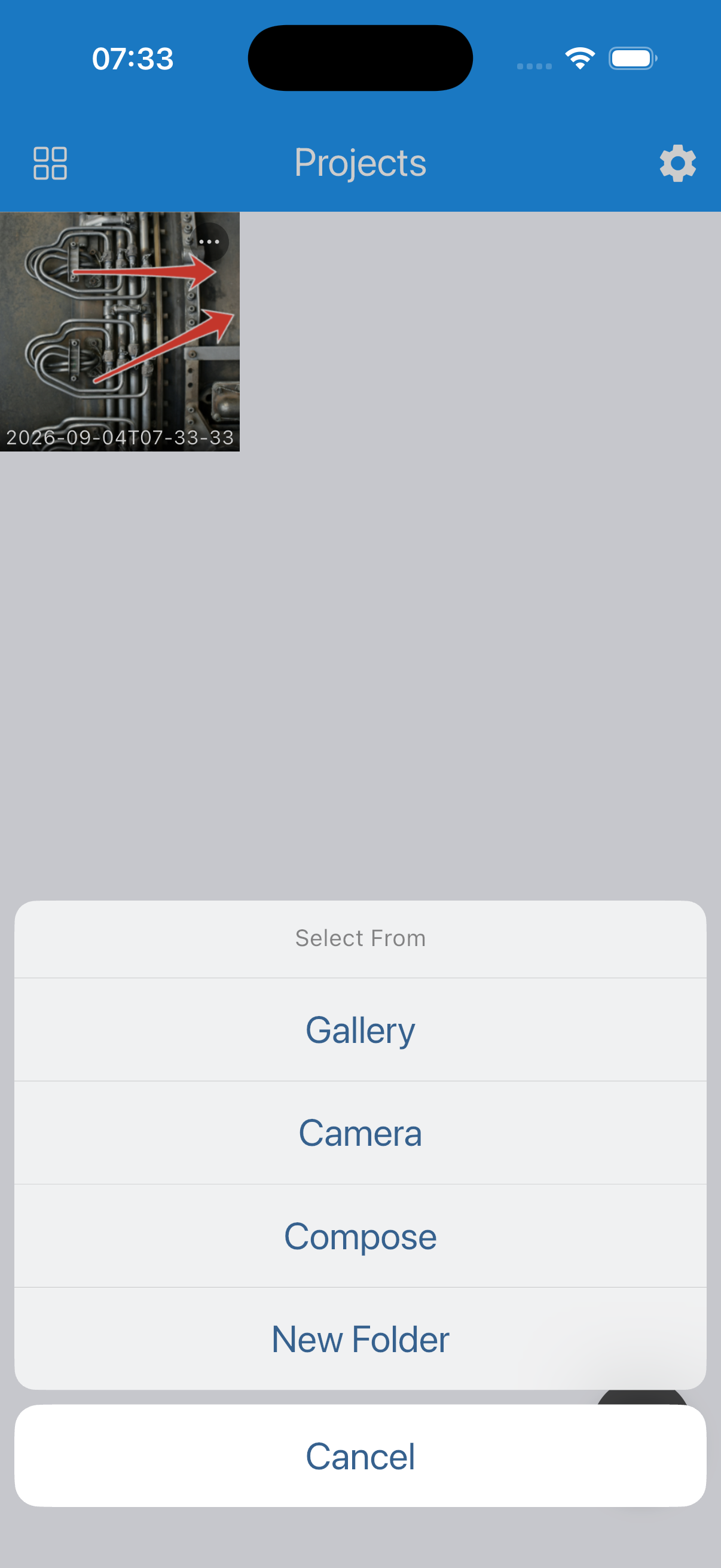
Use Projects when you want to reopen an annotation and continue editing its objects. Projects can be organized in folders and can include project notes.
The completed article will cover:
- Creating work from Gallery, Camera, or Compose.
- Preserving editable annotation objects.
- Organizing projects with folders, rename, move, duplicate, and delete.
- The free-tier flattened-copy behavior when reopening saved work.
Photos
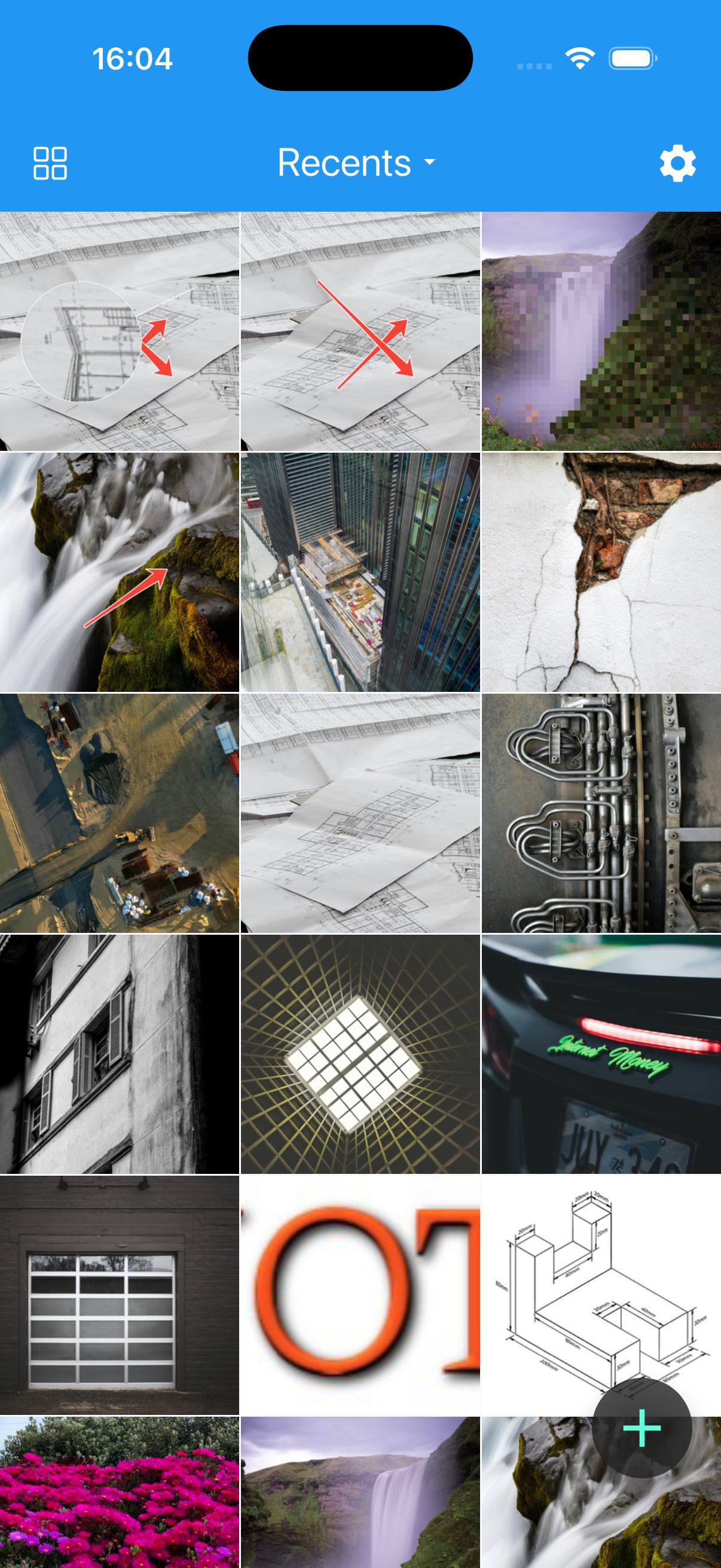
Use Photos to browse albums and annotate images from the device photo library. Edits from this workspace are written back as images and do not create items in the Projects grid.
The completed article will cover:
- Photo-library permissions and limited access where applicable.
- Album switching, refresh, and multi-select deletion.
- Camera and Compose entry points.
- The difference between an editable project and a flattened image.
Switch workspaces
- On either home screen, tap the grid button in the top-left corner.
- Choose Projects or Photos.
- Confirm that the title and grid content change to the selected workspace.