Getting started
Annotium turns a photo into a clear visual explanation. A typical session is: choose a workspace, open an image, add annotations, then save or share the result.
The basic workflow
- Choose Projects for editable work or Photos to work directly with your device photo library.
- Open an existing image, import one from the gallery, or take a photo.
- Choose an annotation tool and draw on the image.
- Select the object to move it, reshape it, or change its properties.
- Leave the editor to save, or use Export to share an image or PDF.
Start from Projects
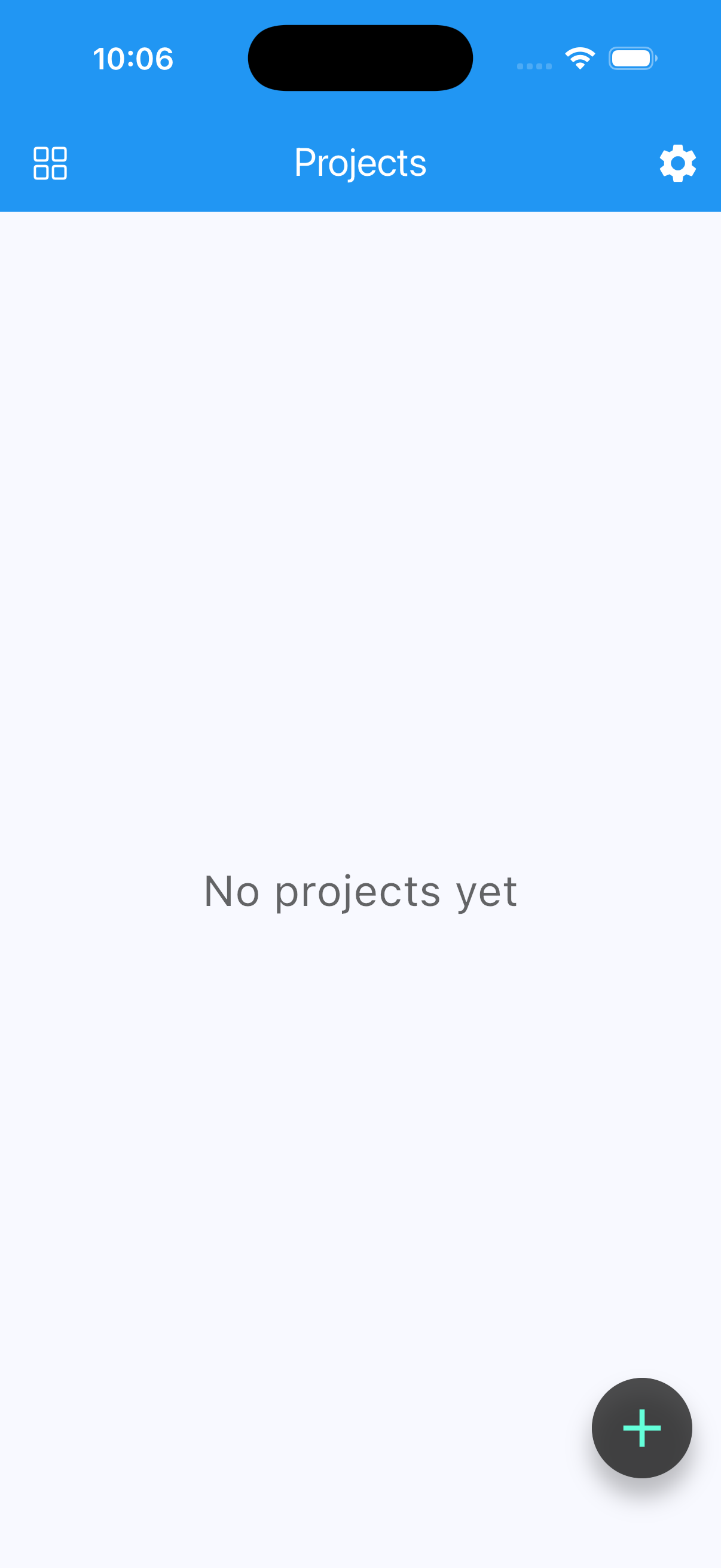
- Create a project from the gallery or camera.
- Explain the Original versus Crop choice.
- Add one arrow and change its color.
- Leave the editor and explain how the project remains editable.
Start from Photos
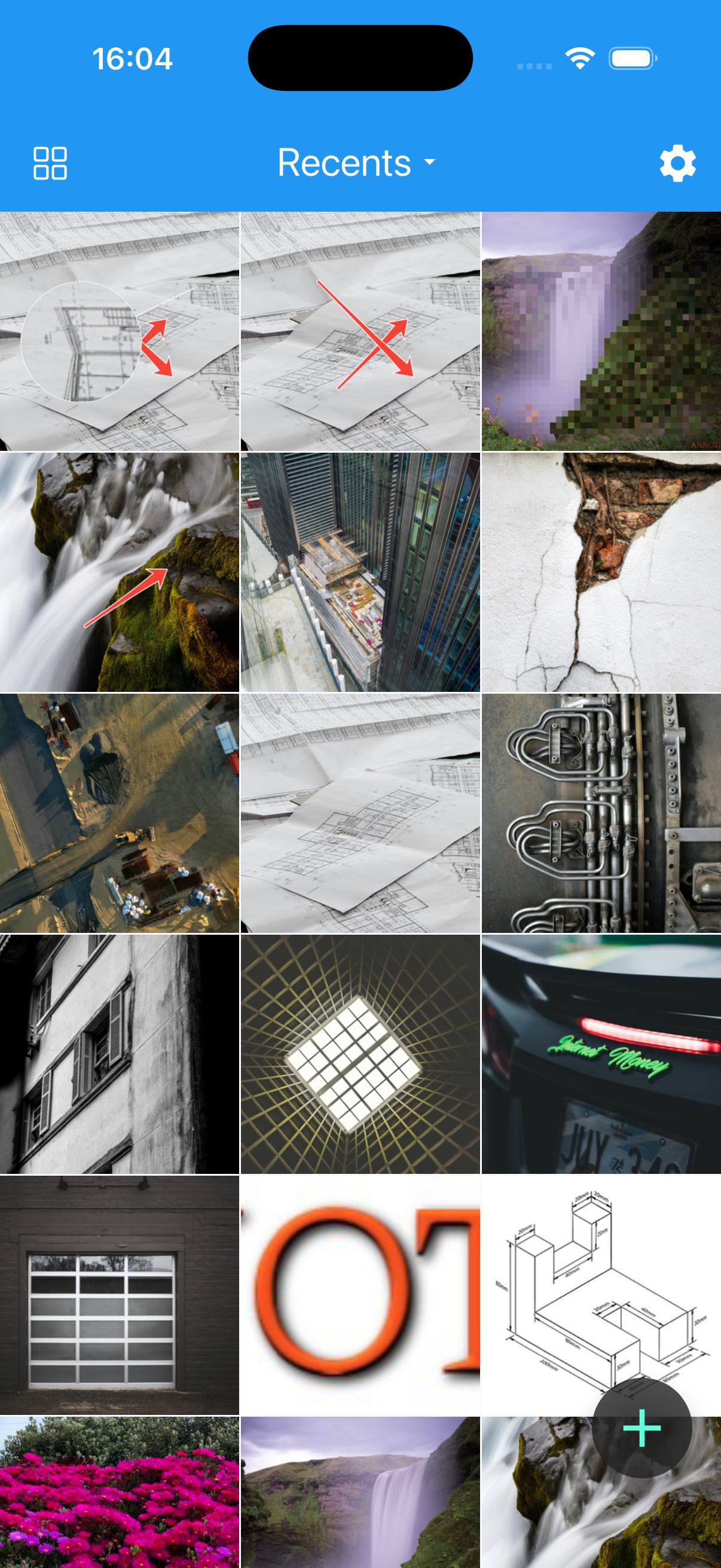
- Grant photo-library access.
- Select an album and open a photo.
- Add one annotation.
- Explain that this workflow saves to the device photo library instead of the Projects grid.
Next steps
- Compare Projects and Photos.
- Learn the editor controls.
- Browse the complete tool overview.
- Learn how to save, export, and share.