🗂️
Editable projects
Keep annotations as projects so you can return, select objects, and revise your work.
Turn photos and screenshots into precise visual explanations—then keep the work editable, organized, and ready to share.
Annotium is a precision photo-annotation app for explaining a defect, recording an inspection, marking up a design, documenting a repair, or giving visual feedback. Start with a photo or screenshot, point to the important detail, add context with shapes, text, measurements, or callouts, and share a result people can understand at a glance.
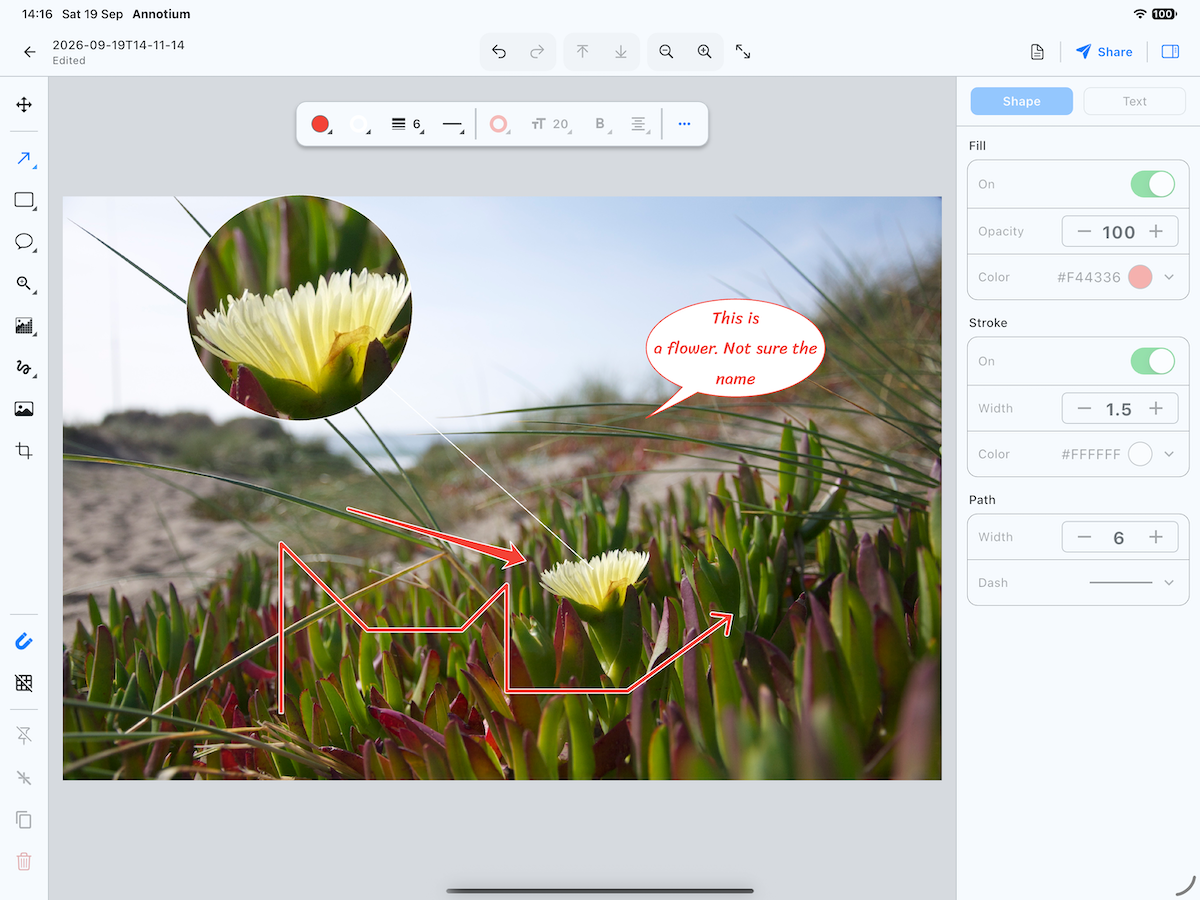
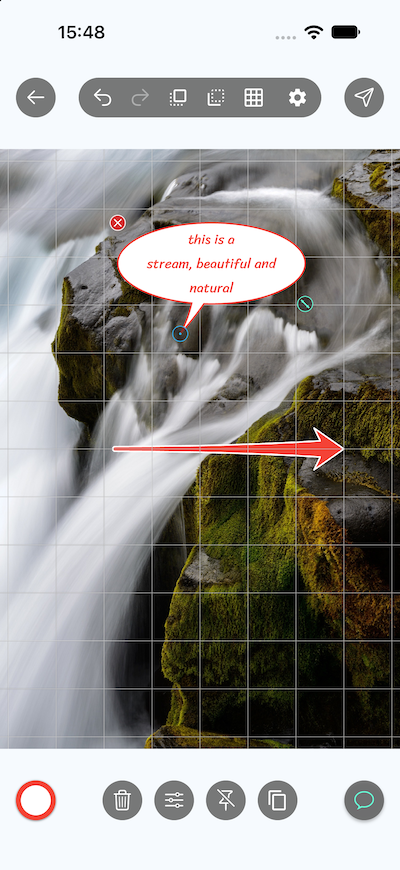
Use Projects when the work needs to remain editable. Your annotations and notes stay together so you can return and revise them. Use Photos when you want to annotate directly from the device photo library and save a finished image back to it.
Annotium is available on mobile today, with layouts designed for both phone and tablet work.

Available for iPhone and iPad through the App Store, and for Android phones and tablets through Google Play.
Please be patient 😉
New to Annotium?
Start with Getting started, then compare Projects and Photos before choosing where to work.
Feature names and availability may differ slightly between iOS, Android, and app versions.