
Projects
Outline · This page is ready for verified steps and current screenshots.
Projects are the working files for annotations you may revisit. They preserve the base image, supported annotation objects, and project context.
Create a project
Open or capture a photo, add annotations, then leave the editor through the save flow. The result appears in the Projects grid.
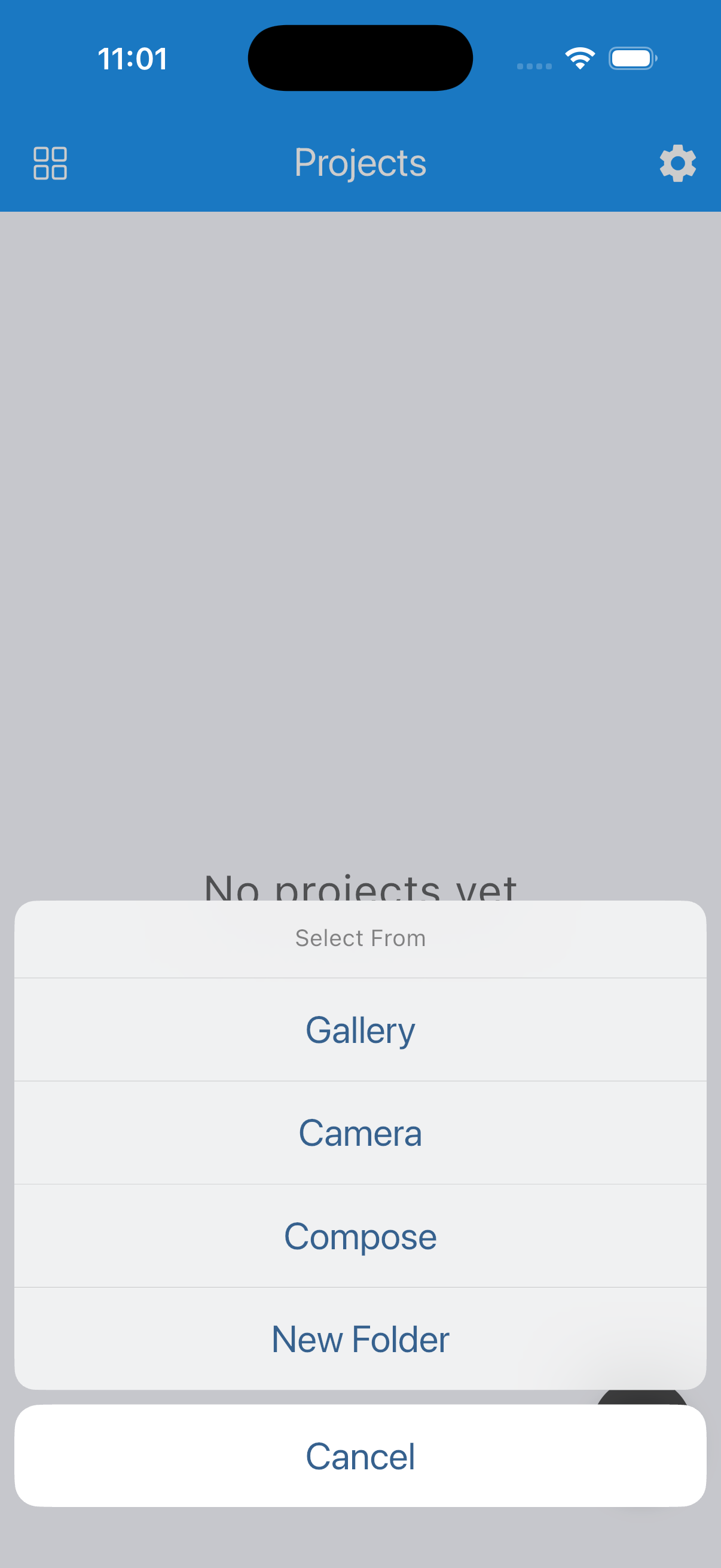
Reopen and edit
- With Premium, reopen the saved document and continue editing its objects.
- Without Premium, create a new flattened copy while keeping the original project intact, or choose to unlock Premium.
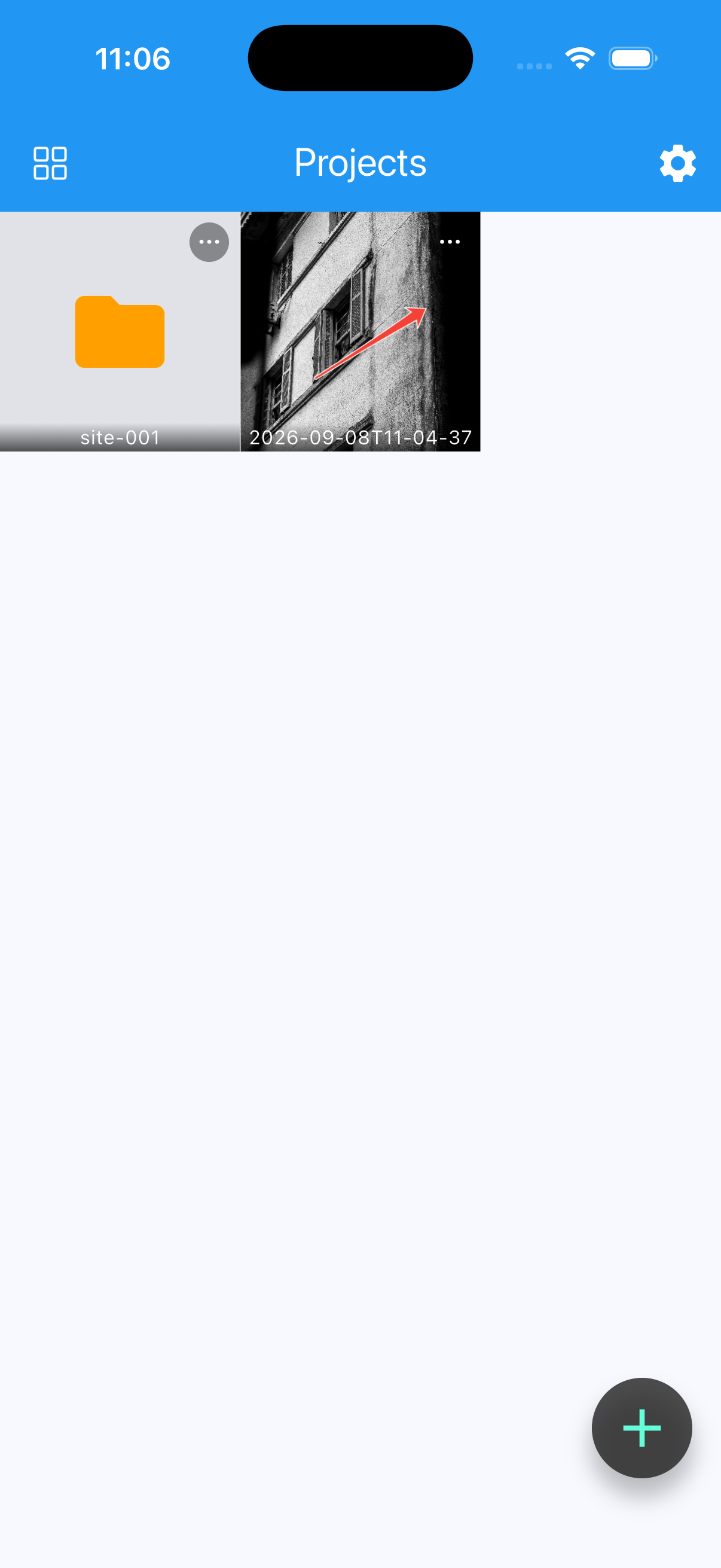
Organize projects
- Create folders.
- Rename and move projects or folders.
- Duplicate one or more projects.
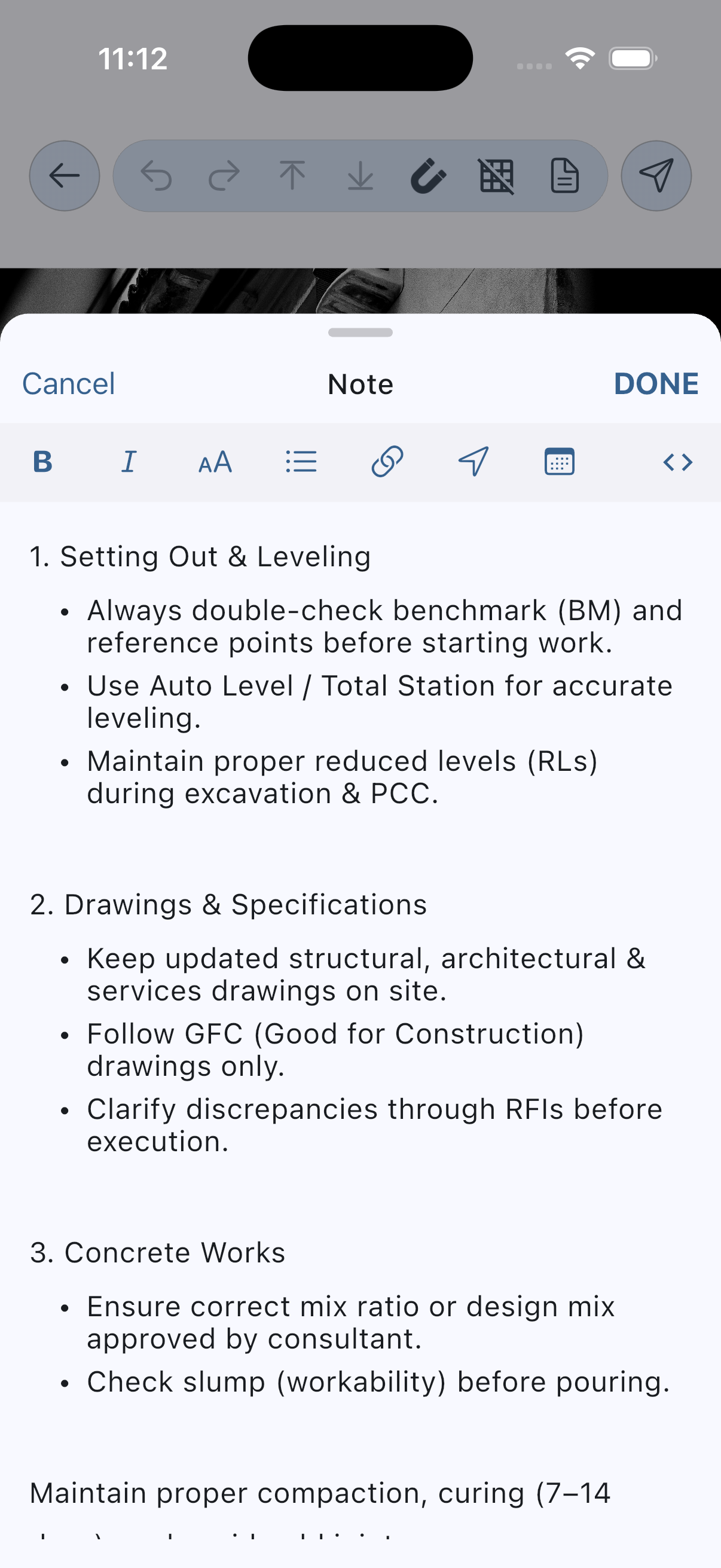
- Add a project note (Premium).
- Export a folder to PDF (Premium).
Delete carefully
Before deleting a project or folder, confirm that any required deliverable has been exported and backed up. An image in Photos is flattened and cannot replace the editable project.
A simple rule
Project = working file. Photo or PDF = delivered copy.