Notes
Project notes are a Premium feature. They hold context that would make the image too crowded: observations, identifiers, follow-up items, or a short explanation for collaborators.
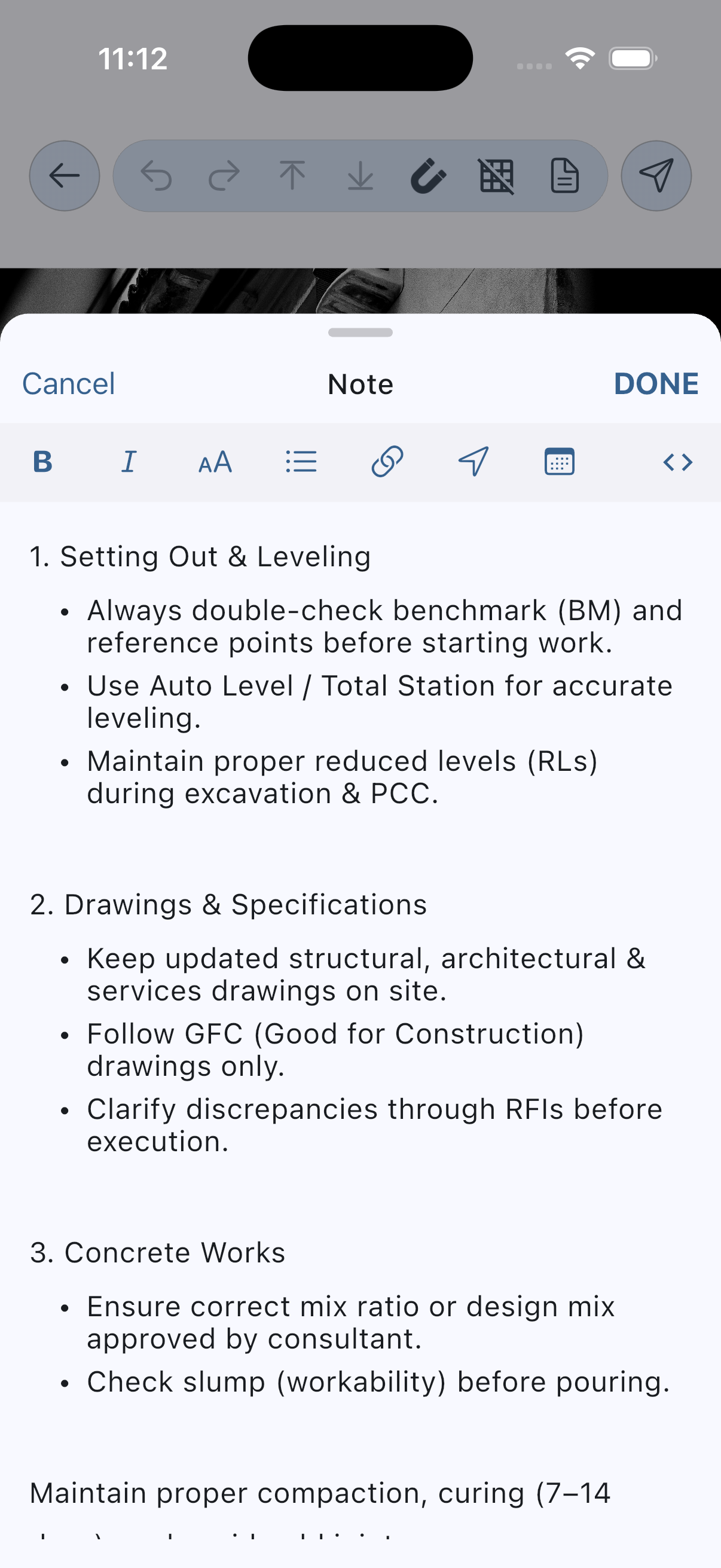
Open and edit a note
- Open the note sheet from the editor.
- Write in rich-text mode.
- Switch to Markdown source mode.
- Close the sheet and confirm how the note is retained with the project.
Add useful notes
- Record why the annotation was created.
- Capture details that are not visible in the photo.
- List follow-up actions or a status.
- Avoid placing secrets in notes unless your storage and sharing workflow is appropriate for them.
Insert useful context
- Insert date and time.
- Insert a location after granting permission.
- Add a link with a readable title.
Notes versus text annotations
Use a text annotation when the words must travel with the exported image. Use a project note for background information that should remain associated with the editable work.
Before sharing
Explain how each PDF template arranges the image and note text. Include the behavior for empty and very long notes after testing both cases.