
Save, export, and share
Understand the output types
| Output | Best for | Editable later? |
|---|---|---|
| Project | Continuing work in Annotium | Yes, with the applicable access |
| JPEG or PNG | Messaging, reports, and uploads | No, flattened |
| Documents, printing, and project notes | No, delivery format |
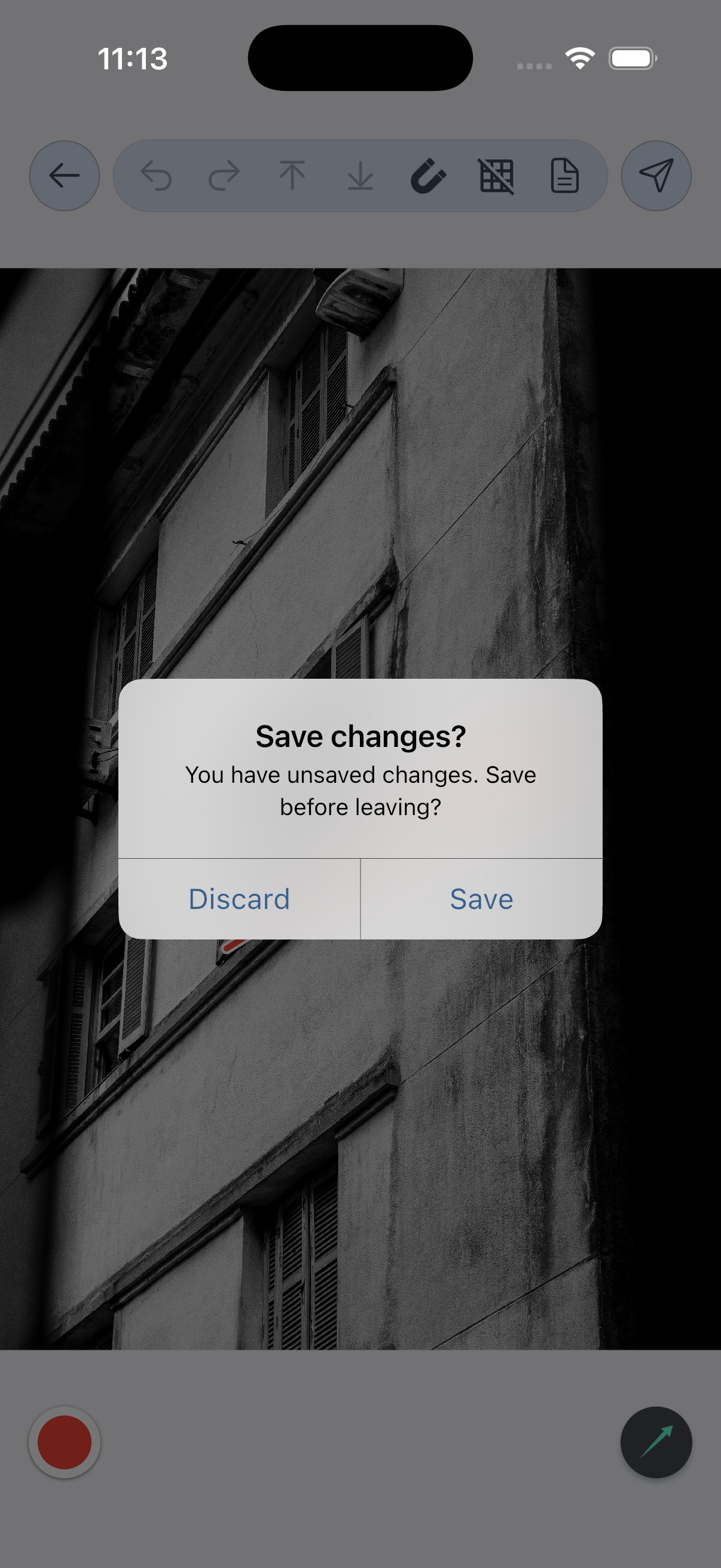
Save from Projects
- Project data is saved and remains editable.
- The optional Auto save preference for also saving an image to the gallery.
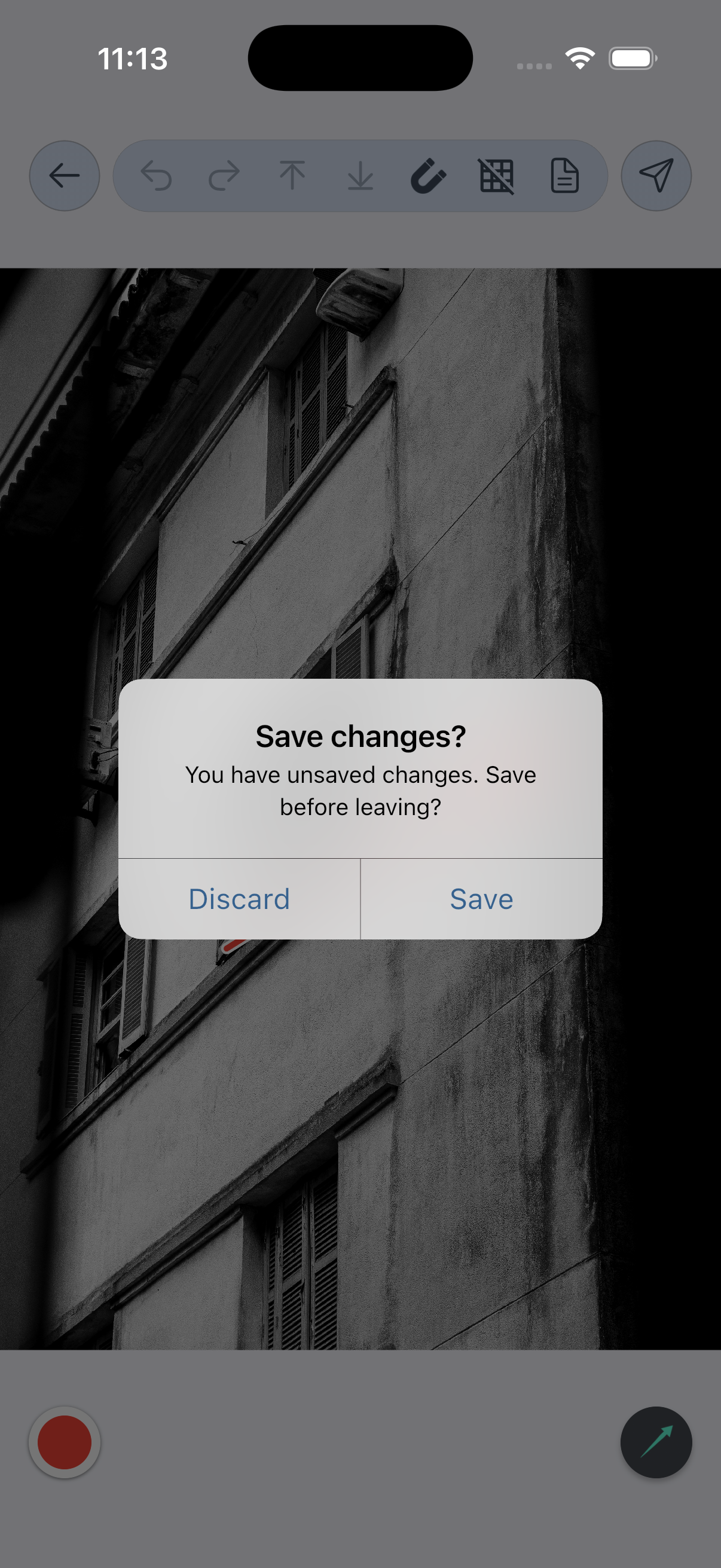
Save from Photos
- Explain that the result goes to the device photo library and does not appear in Projects.
- Verify overwrite versus new-item behavior separately on Android and iOS before removing the outline notice.
Export and share
- Export a JPEG.
- Export a PNG.
- Export a project PDF and choose a template (Premium).
- Export a folder as PDF (Premium).
- Use the operating-system share sheet.
Quality, format, and watermark
Document Image Quality and Save Image Format settings. Confirm current free-tier watermark and install-day behavior in a release build before writing user-facing promises.