
Blur and Mosaic
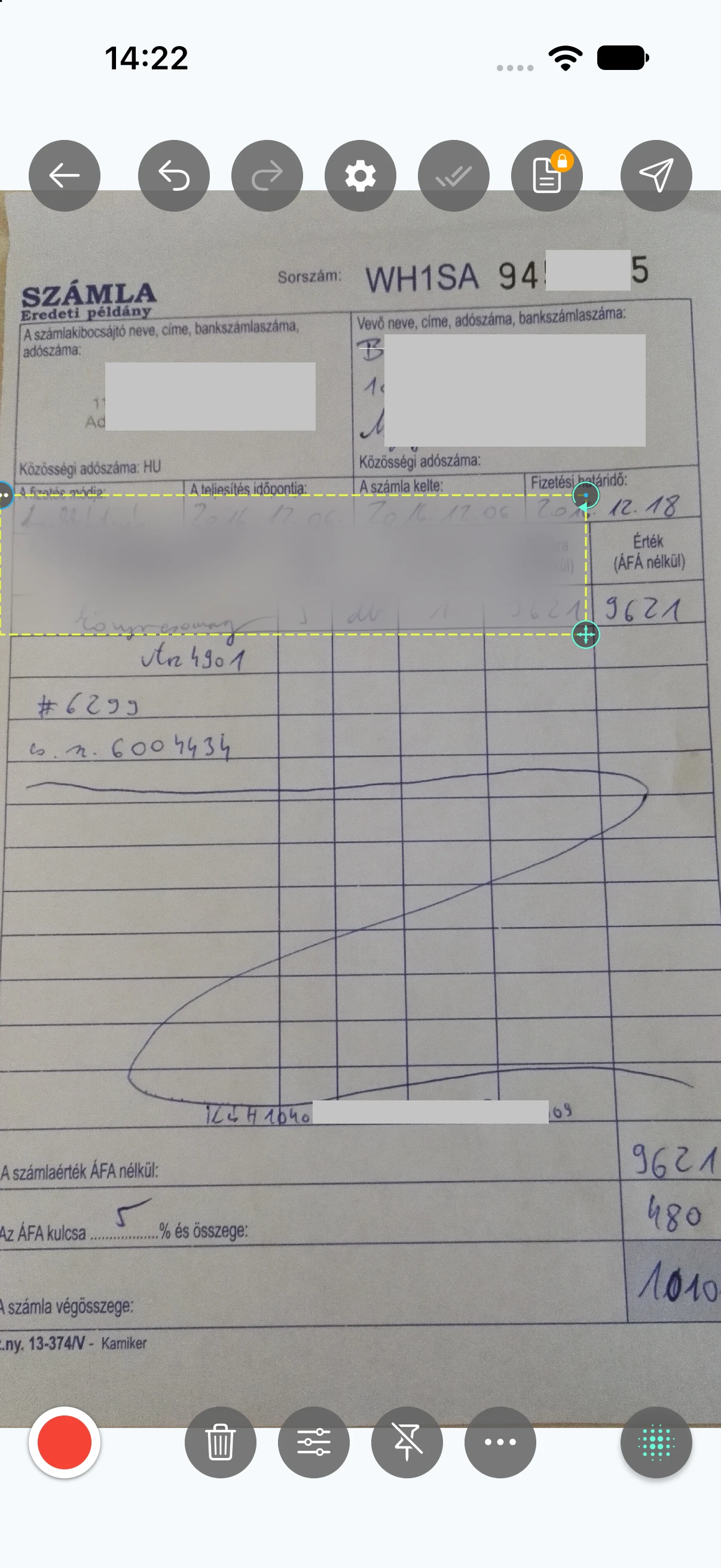
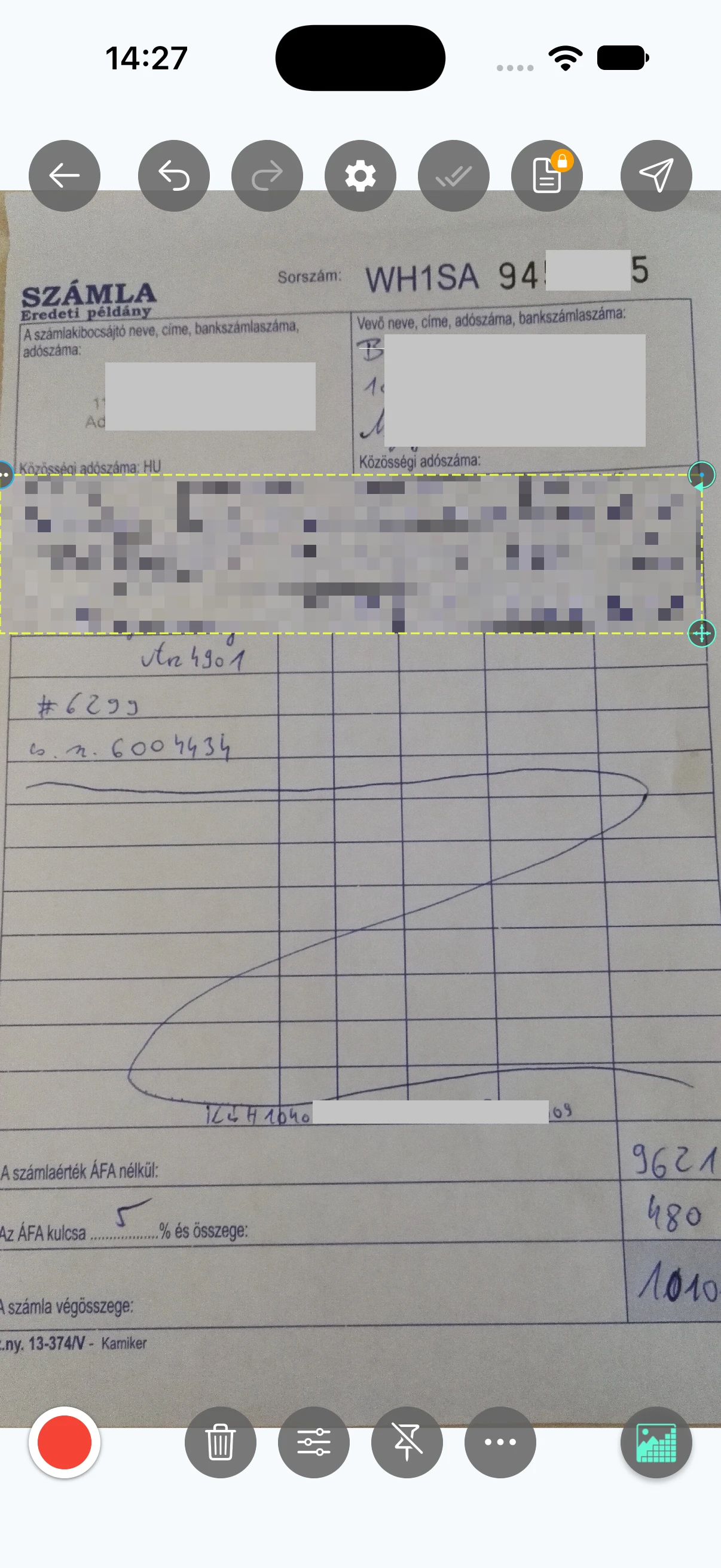
Use Blur to soften an area or Mosaic to replace it with blocks.
Blur
Mosaic
- Choose Blur or Mosaic from the privacy tools.
- Drag over the detail you want to hide.
- Resize the area and inspect the full-size result before sharing.
The Blur example uses a CC0 sample invoice with personal details removed. The Mosaic example uses a public garage photo. For private material, verify that the detail cannot be read in the exported copy.