Dimension Line
Mark a span, then lift its measurement rail so the object stays visible. Dimension Line requires Premium.
- Choose Dimension Line from the line tools.
- Drag between the two ends of the pipe section.
- Drag the rail handle upward and enter a short label.
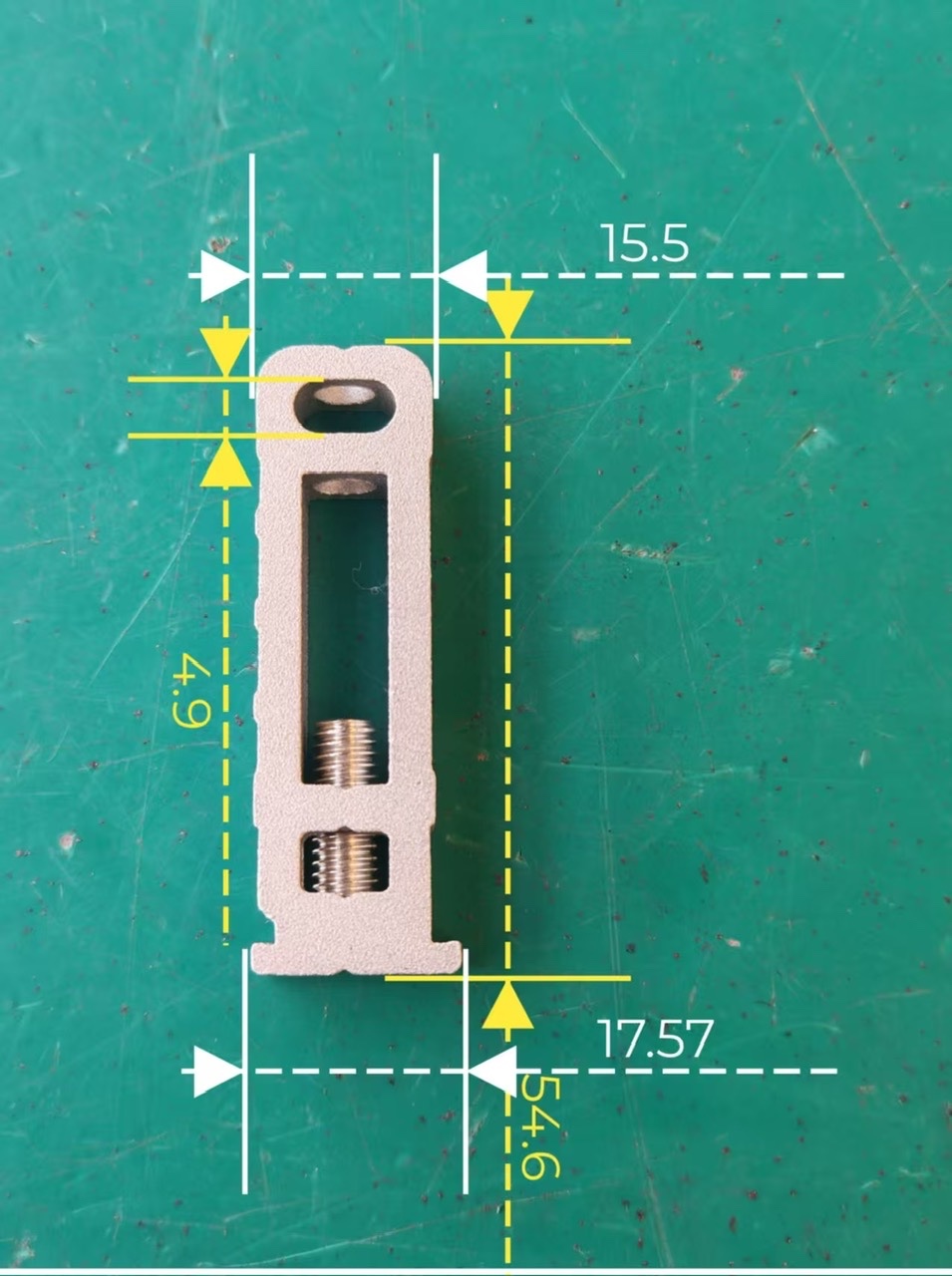
This reference image already contains dimension annotations. Its labels are part of the supplied image and are not Annotium measurements.
Examples
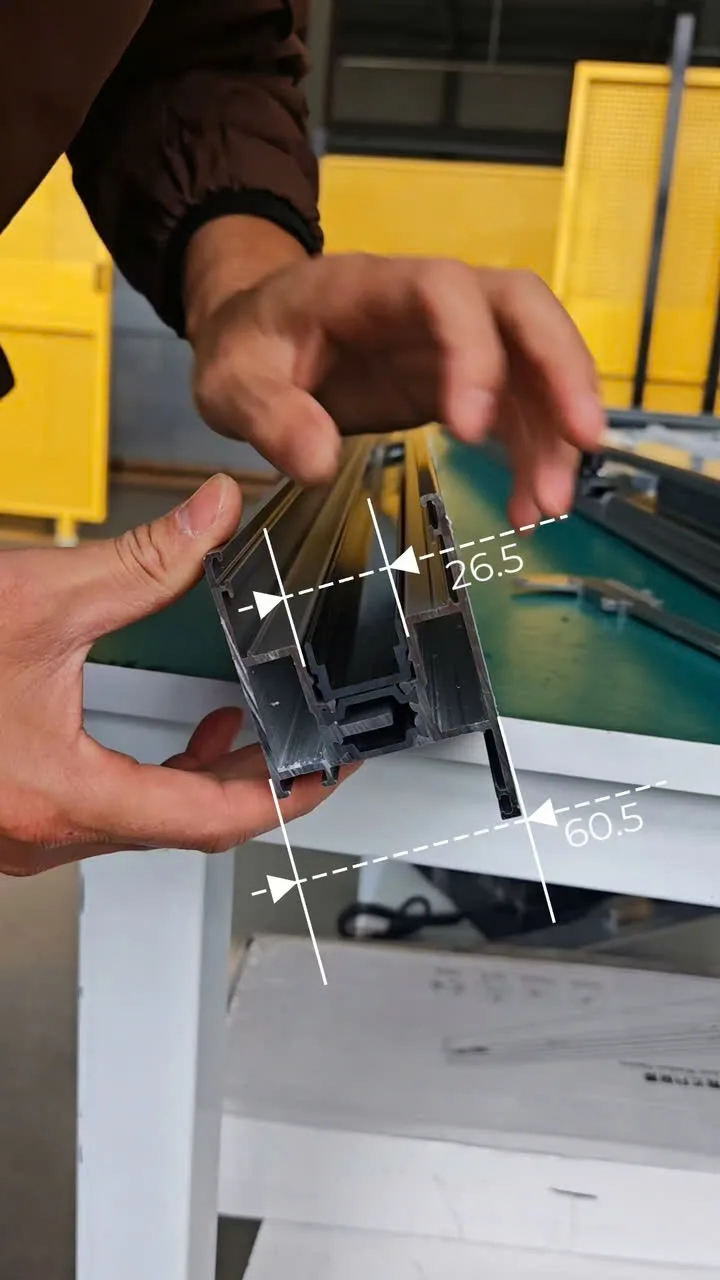
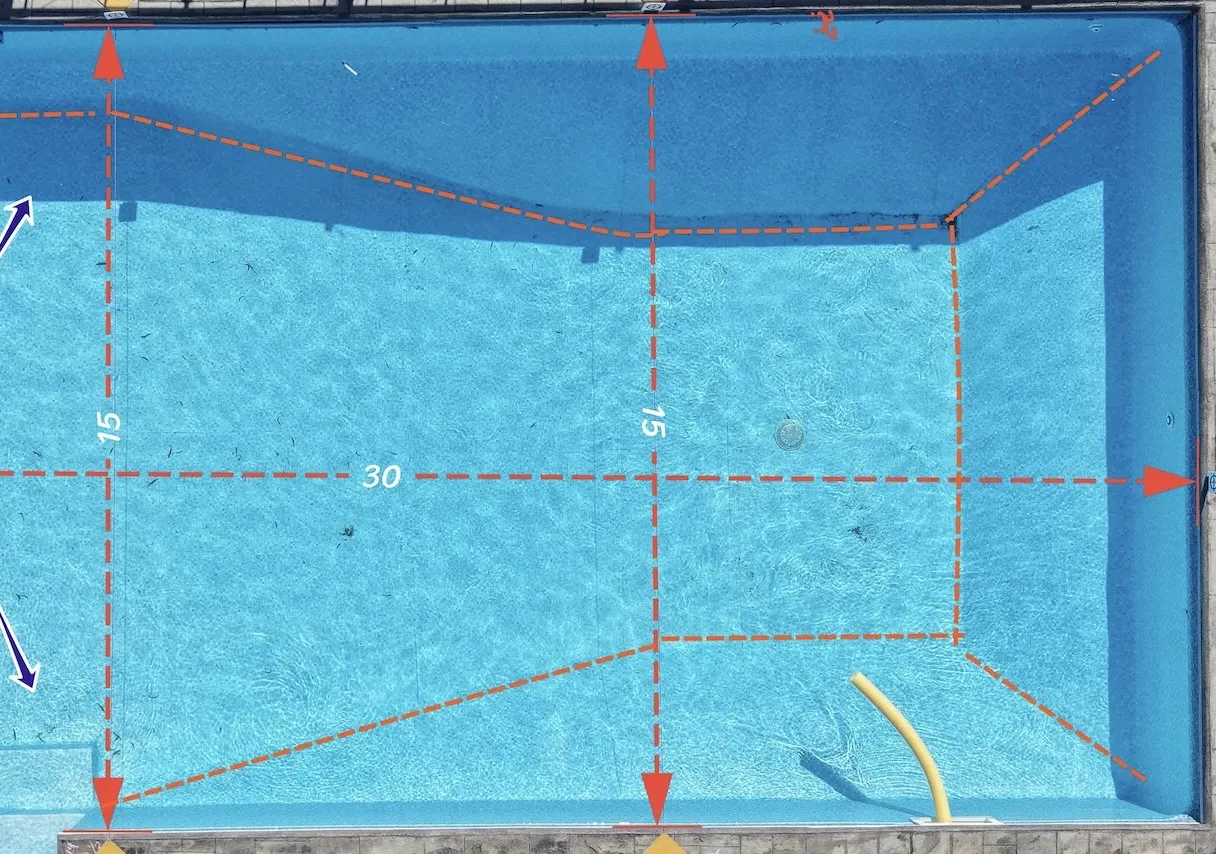
Dimension lines carry the values you measured on site, on parts and on whole areas.
Radius and Diameter
For round parts, use Radius or Diameter from the Shapes group instead of a straight dimension. See Radius and Diameter (Premium).
Next
Measure across a garage door with Line Measure · Browse all tools