Skip to content

Loupe ​

Show a close-up without hiding where it came from.

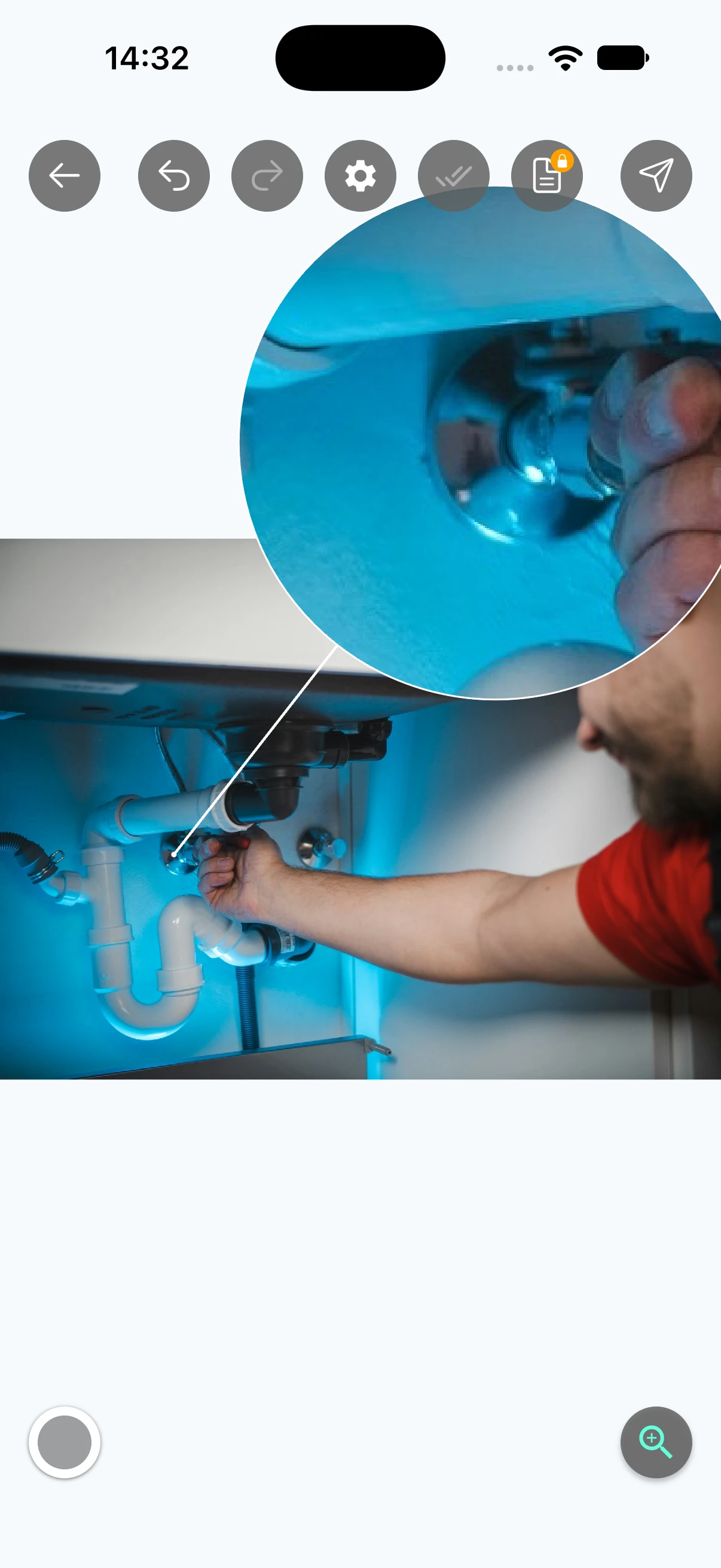
A circular loupe magnifies a plumbing connection while its pointer marks the source in a sink repair photo.
  1. Choose Loupe from the focus tools.
  2. Draw to place the lens.
  3. Move the source point to the detail and adjust the lens.

The Loupe magnifies part of the image. It does not zoom or move the canvas.

Next ​

Hide details with Blur or Mosaic · Browse all tools