Line Measure
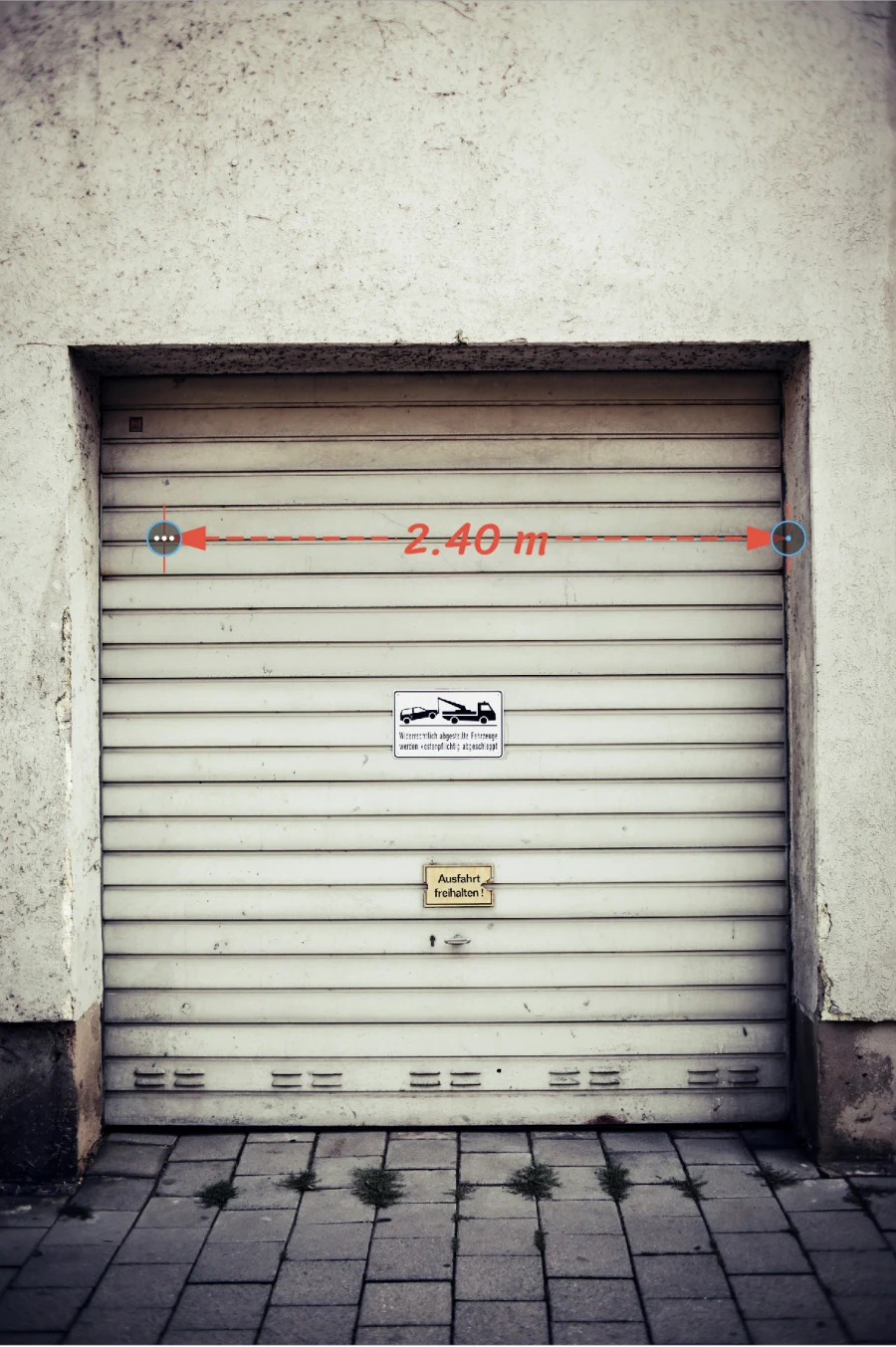
Mark a span directly across the feature, like the garage-door width below.
- Choose Line Measure from the line tools.
- Drag from one end of the span to the other.
- Enter a short label and adjust its text placement if needed.
The 2.40 m label is sample text, not a value measured from this photo. Set and verify a scale before using a measurement as a real-world dimension. Line Measure requires Premium.
Next
Add a measurement rail with Dimension Line · Browse all tools